
Less chasing. More knowing what happens next.
FastLane Ops brings the work together so your team can move from appointment to repair order, inspection, parts, payment, and reporting without losing the job between systems.
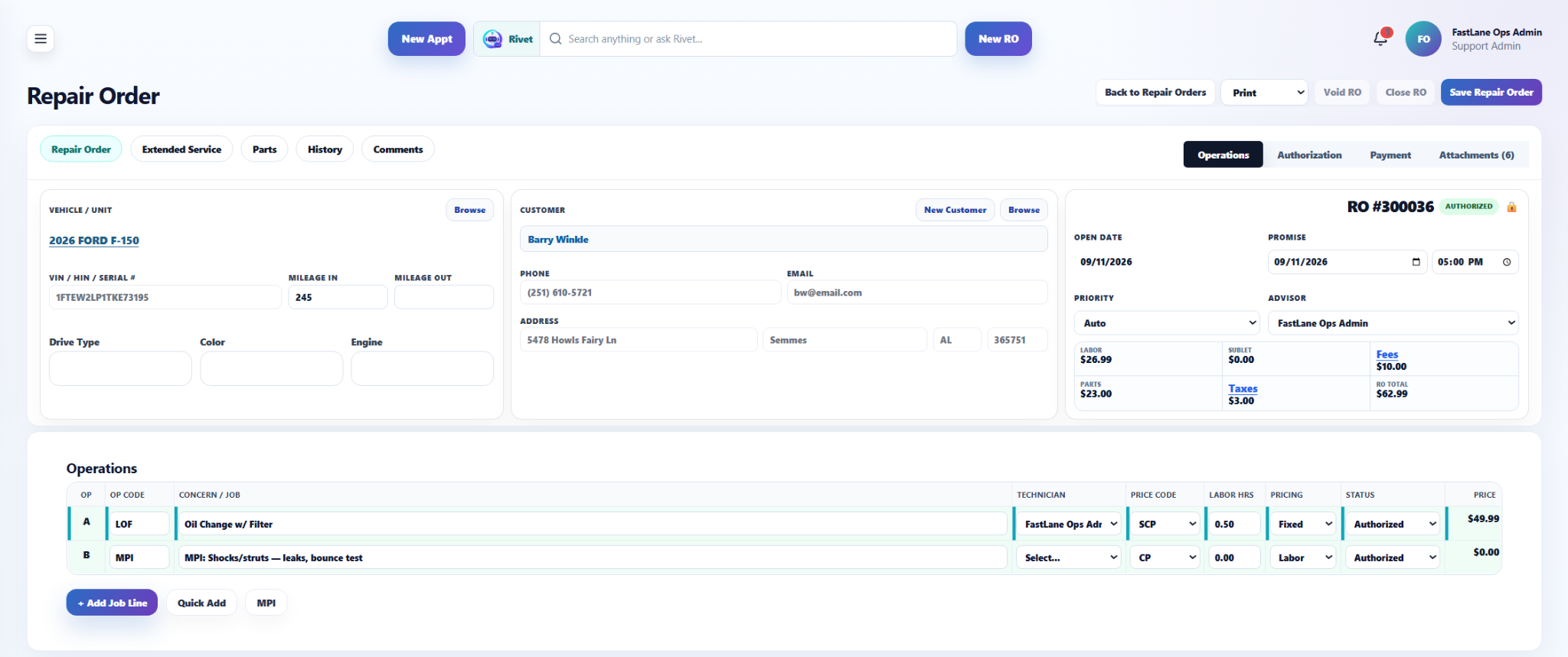
Keep the work moving from the first appointment to the final payment.
Each part of the day feeds the next one. Your team can see where the job came from, what it needs, who has it, and what is holding it up.
Start every job with the information your team already needs.
Customer contact information and vehicle or unit details stay connected to the work. Automotive and other repair businesses can keep the unit information that matters to their workflow in one place.
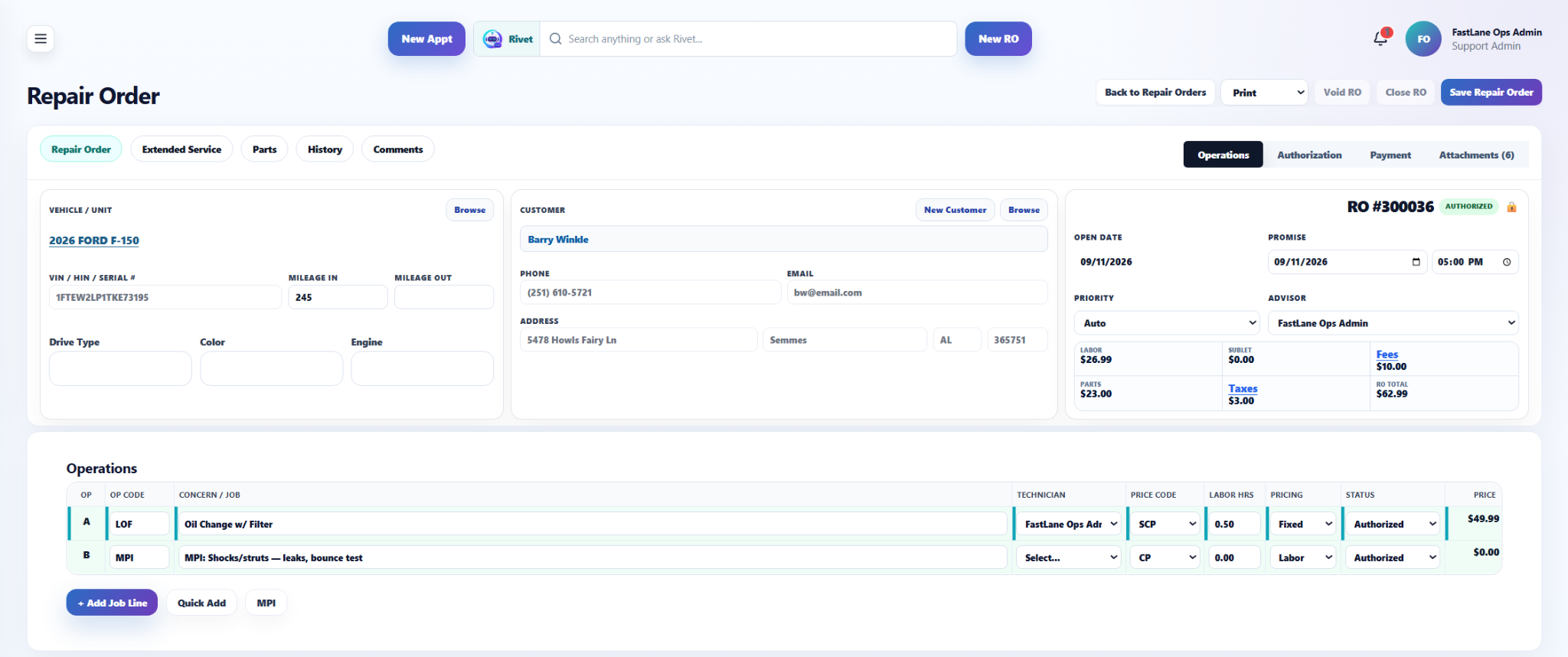
Know what the job needs and where each piece stands.
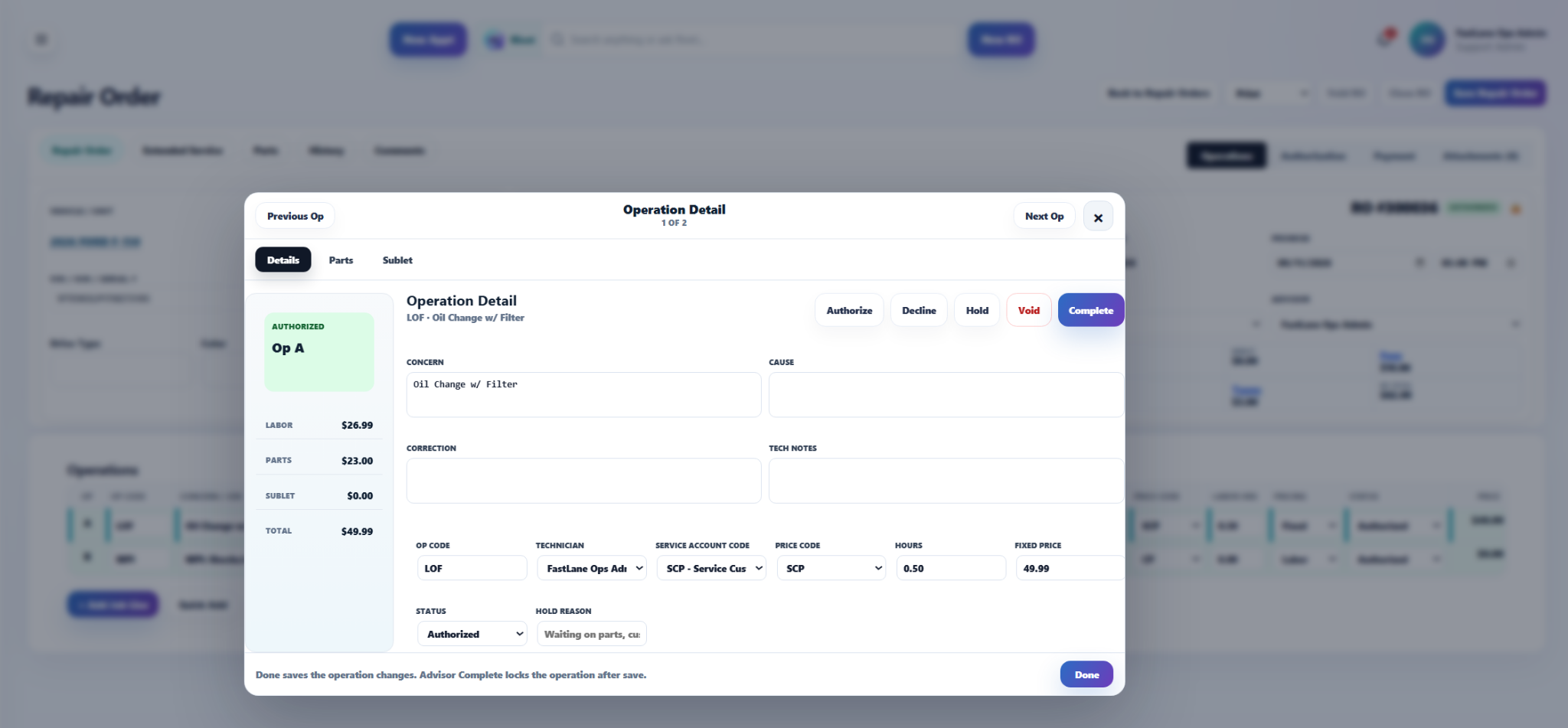
Concern, cause, correction, technician assignment, labor, parts, pricing, and status stay tied to the operation so the team can see what changed and what needs to happen next.
Give the shop floor a clearer view of the work in front of them.
FastLane Ops is designed to keep technician activity tied to the repair order so assigned work, operation status, labor activity, inspections, and job progress do not live in separate places.
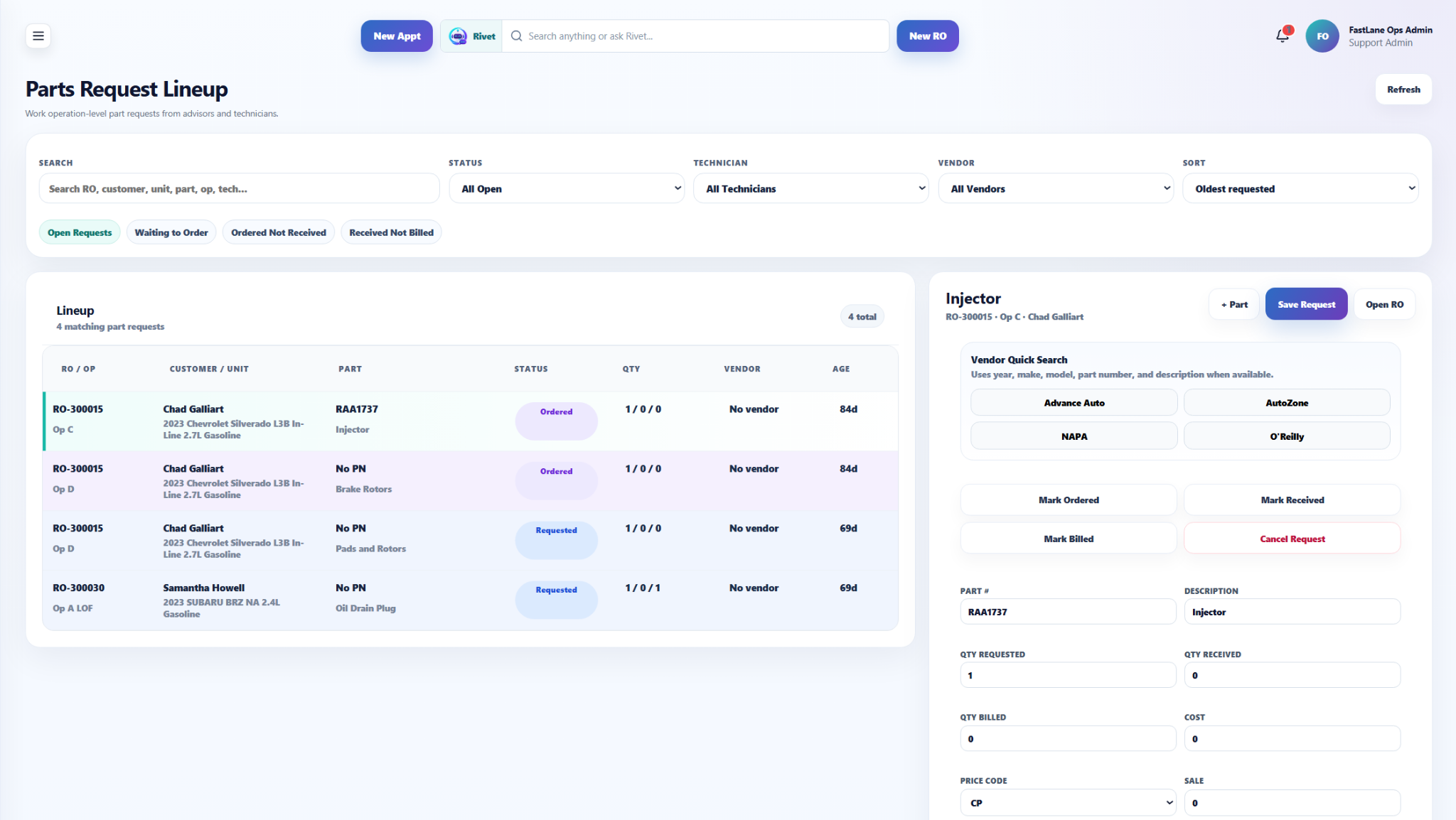
See what is waiting on parts before the job stalls out.
Parts activity stays tied to open work. Managers and advisors can see waiting parts and use the parts workflow to keep the job moving.
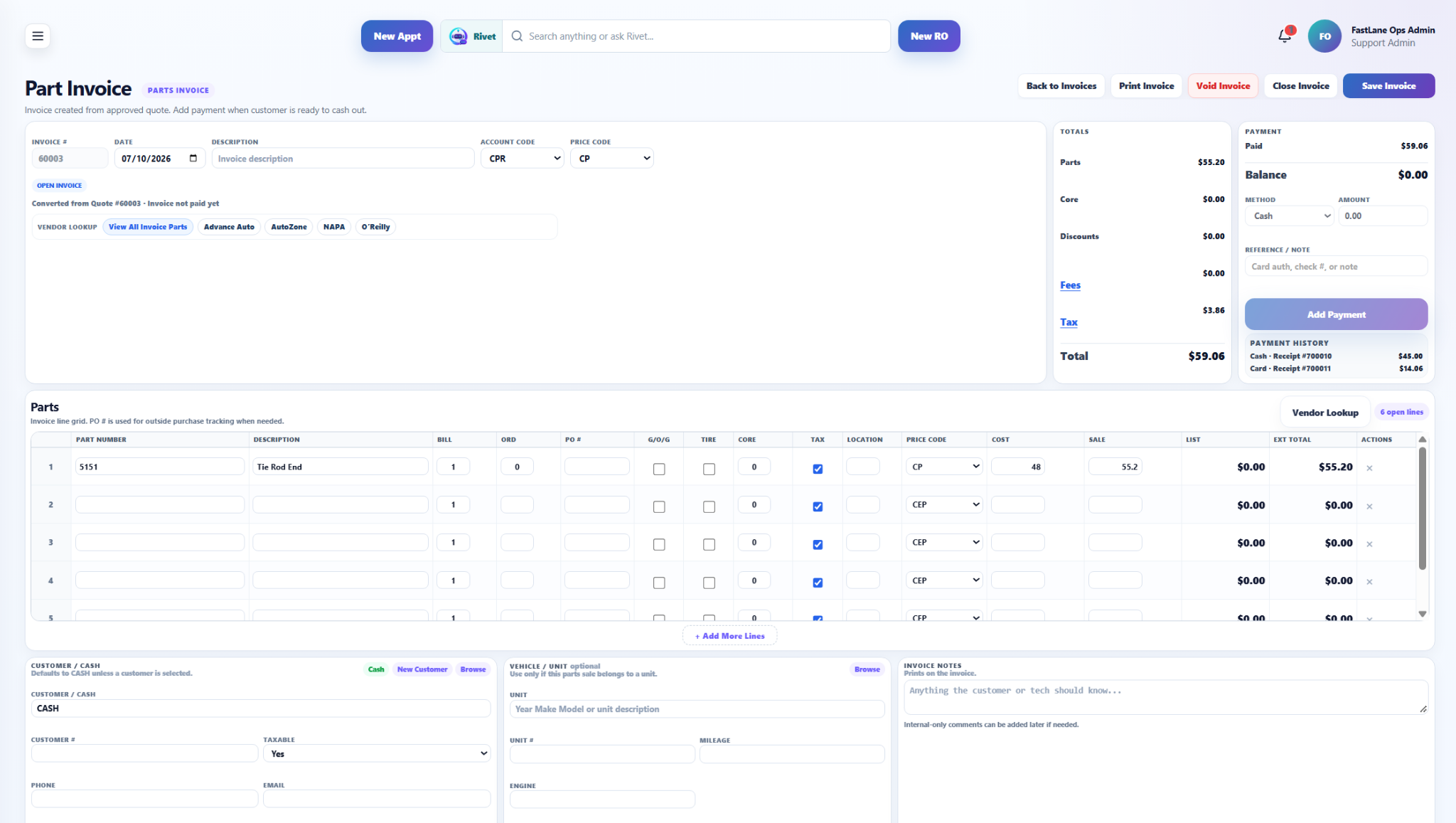
Handle counter sales and parts invoices without leaving the system.
Parts invoices give the shop a place to manage sale lines, totals, payment, customer details, and related unit information when the work is not part of a repair order.
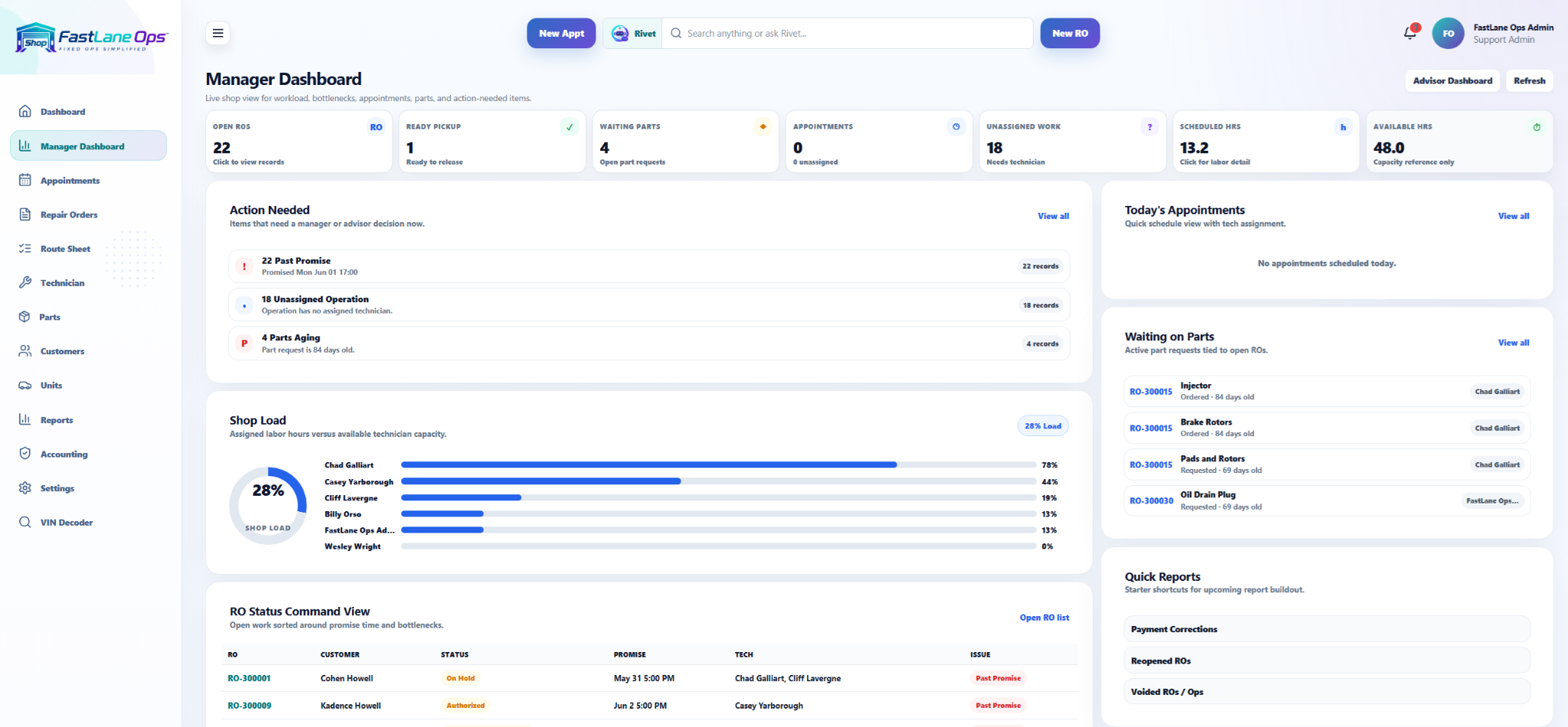
See the shop without asking five people for an update.
Open repair orders, ready pickup, waiting parts, appointments, unassigned work, shop load, and other action needed items are brought together so managers can see what needs attention sooner.
Know more about what is happening without digging through every job.
FastLane Ops includes reporting and shop visibility across supported sales, labor, parts, upsells, declined work, and other day to day activity. Rivet can also answer certain supported reporting questions using information the user is allowed to see.